


Advanced Video Color Grading: Shape the Style of Every Frame
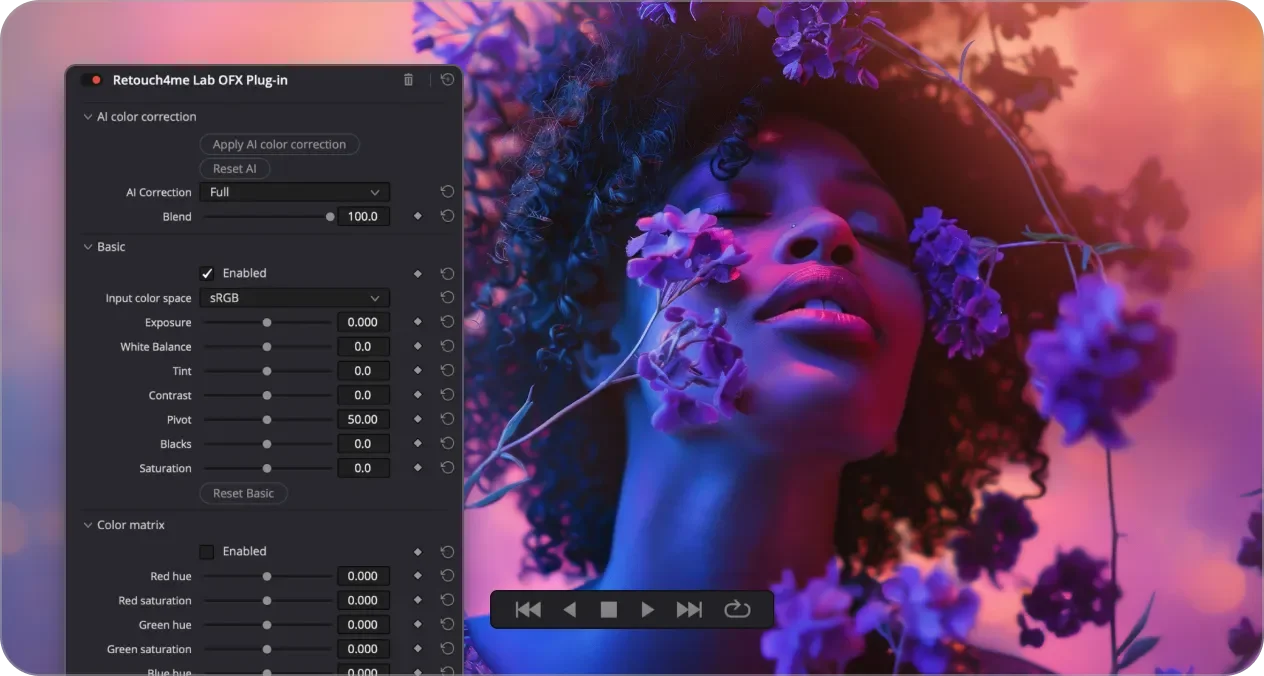
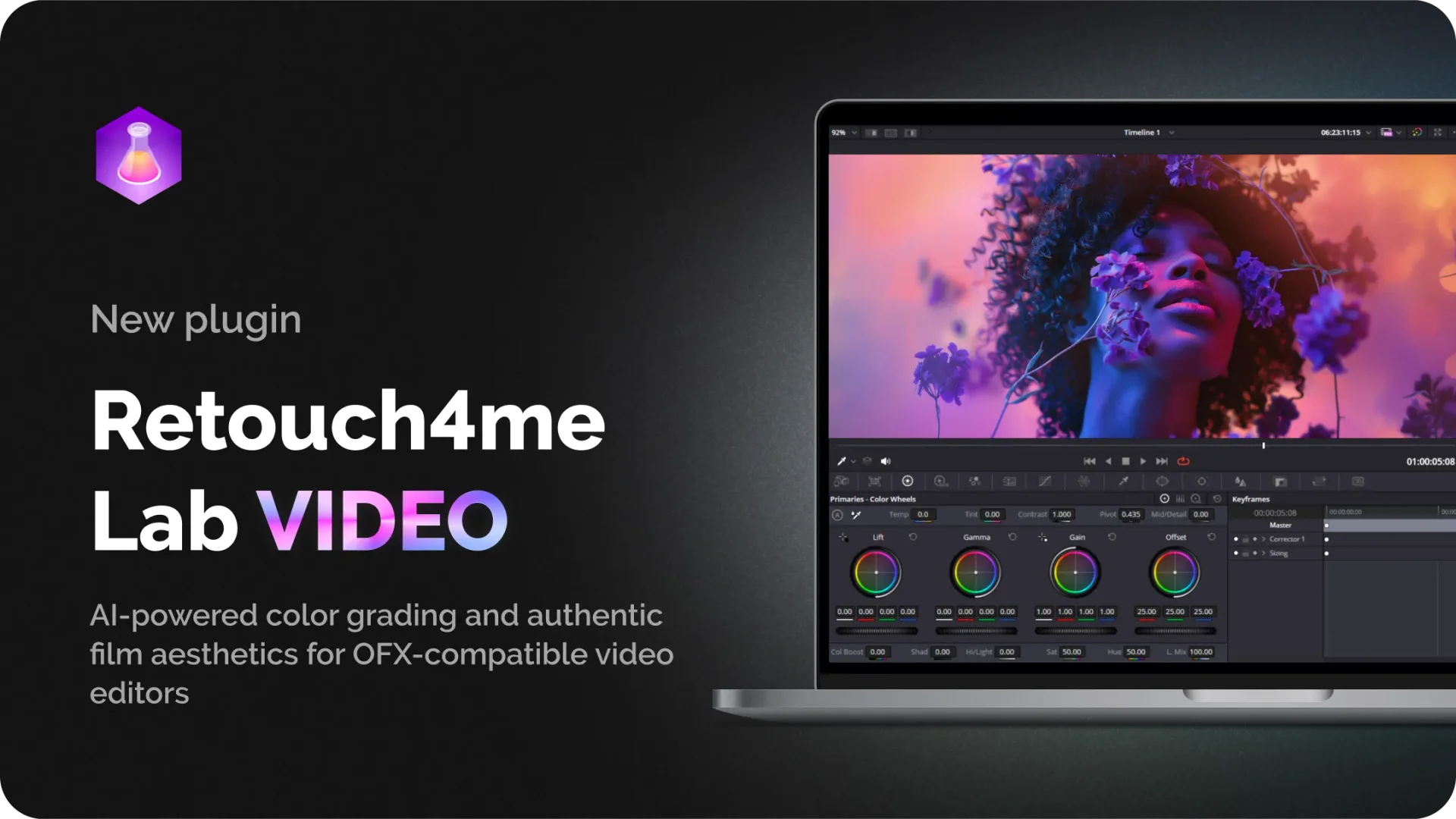
Lab Video

Create expressive color and atmosphere

Add film grain and optical character

Build a consistent visual style across the entire video

Automated
Video retouching a huge amount of time. Let the plugins handle all the jobs. Save the time for yourself.

Beneficial
Video retouching is one of the most expensive parts of the post-production process. The plugins save your money.

Easy
You don’t need special skills in video retouching. The plugins do it for you like a pro. Just be creative!

Impressive
Make your videos look like never before. It is a new experience for you and your clients.
Watch the video
Quick Review
The most handy plugins in one panel
Plugins can be used for
Commercial videos
Weddings & events
Stock footages
Music video
Video Blogs
Erotic Videos
Technical requirements


Software
- DaVinci Resolve*
- Nuke
- Assimilate SCRATCH
- Natron
- VEGAS Pro
Please note that the program must be downloaded from the official website. The plugin does not work with versions downloaded from the Apple Store.
The processing speed depends on the GPU power, the amount of RAM and the length of the video, since the retouching is done frame-by-frame.
The processing speed depends on the GPU power, the amount of RAM and the length of the video, since the retouching is done frame-by-frame.

Operating systems
- Windows 10 (x64), Windows 11
- macOS 11+
Hardware
- at least 6 Gb RAM
- 64-bit (x64) processor, 1.2 GHz or faster
- PC: GPU with 6 GB VRAM or Intel CPU with OpenCL 1.2 support
- MAC: M1, M2, M3 CPU’s, Intel Core i7 for older Macs
Save hours on color grading. Let smart plugins do the heavy lifting.
FAQ
Frequently Asked Questions
Find answers to frequent queries here or ask in the support chat.