
Upscale images with Retouch4me Free Upscaler
A free AI-powered tool for enlarging photos and illustrations by 2× or 4×

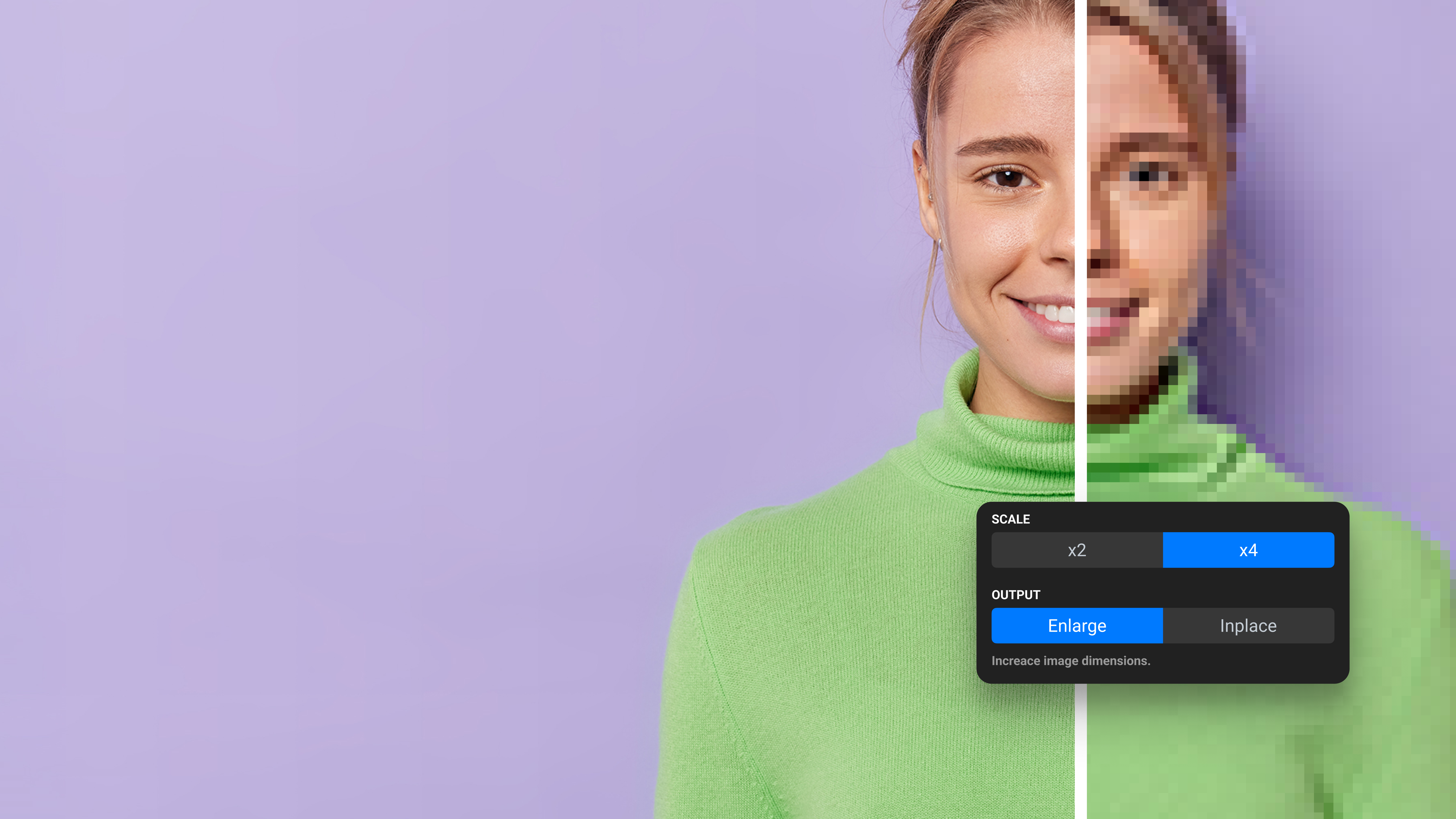
A free AI-powered tool for enlarging photos and illustrations by 2× or 4×
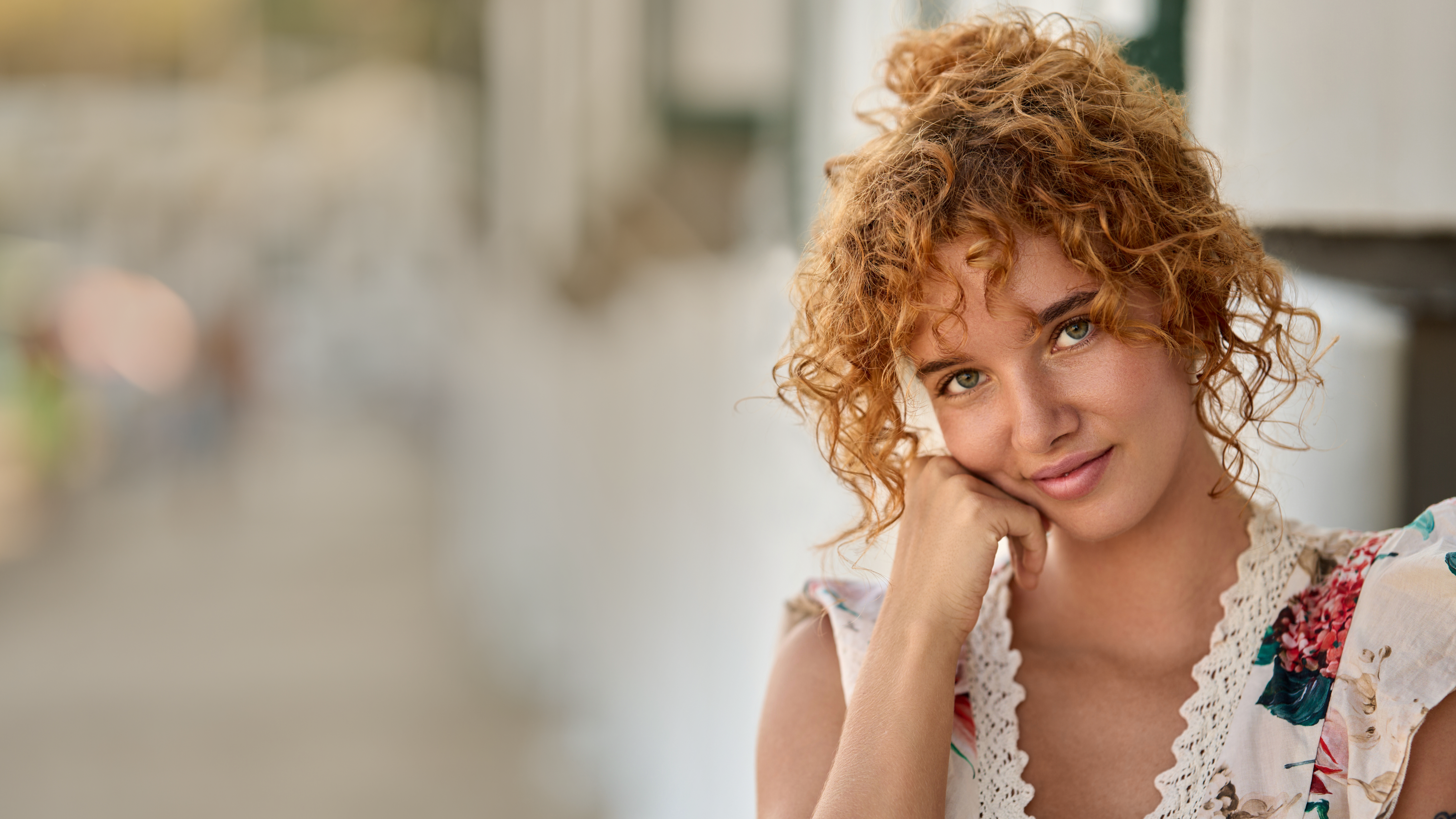
Created by photographers for photographers to deliver natural results and an effortless workflow.
A free AI-powered tool for enlarging photos and illustrations by 2× or 4×
Created by photographers for photographers to deliver natural results and an effortless workflow.
Created by photographers for photographers
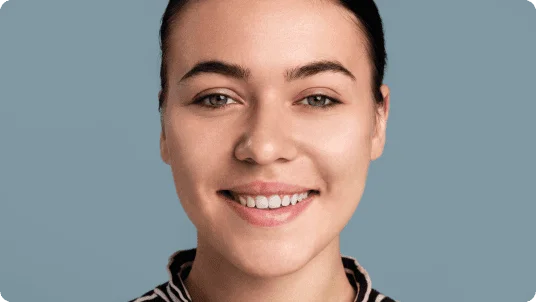
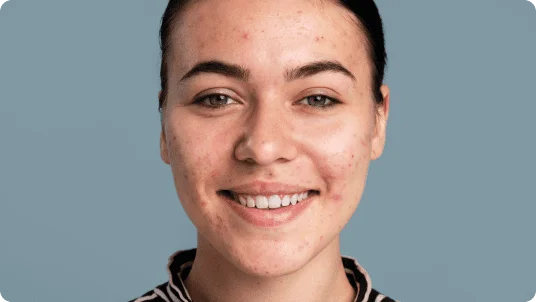

AI plugins take care of routine skin, lighting, and detail adjustments so you can deliver projects faster — without compromising quality.

No more spending hours or days on manual video retouching. Retouch4me plugins automate the video retouching process, making it easier and more efficient.
Work wherever it’s convenient — Retouch4me tools integrate seamlessly into your workflow and save you time and money.
Photoshop | Lightroom | Capture One | Affinity Photo | DaVinci Resolve | Final Cut Pro | Premiere Pro
Before & After
Compare original shots with retouched images — natural and fast
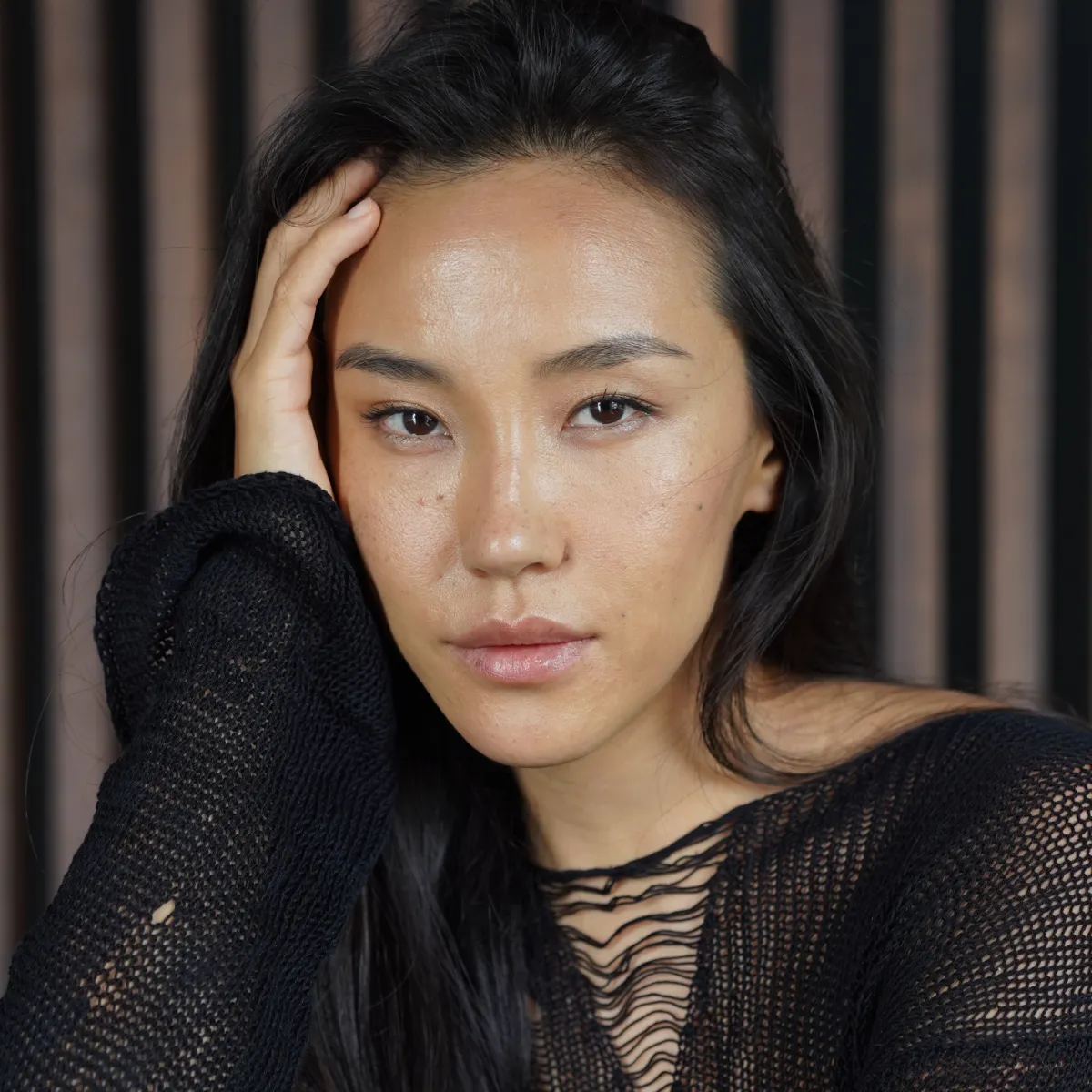
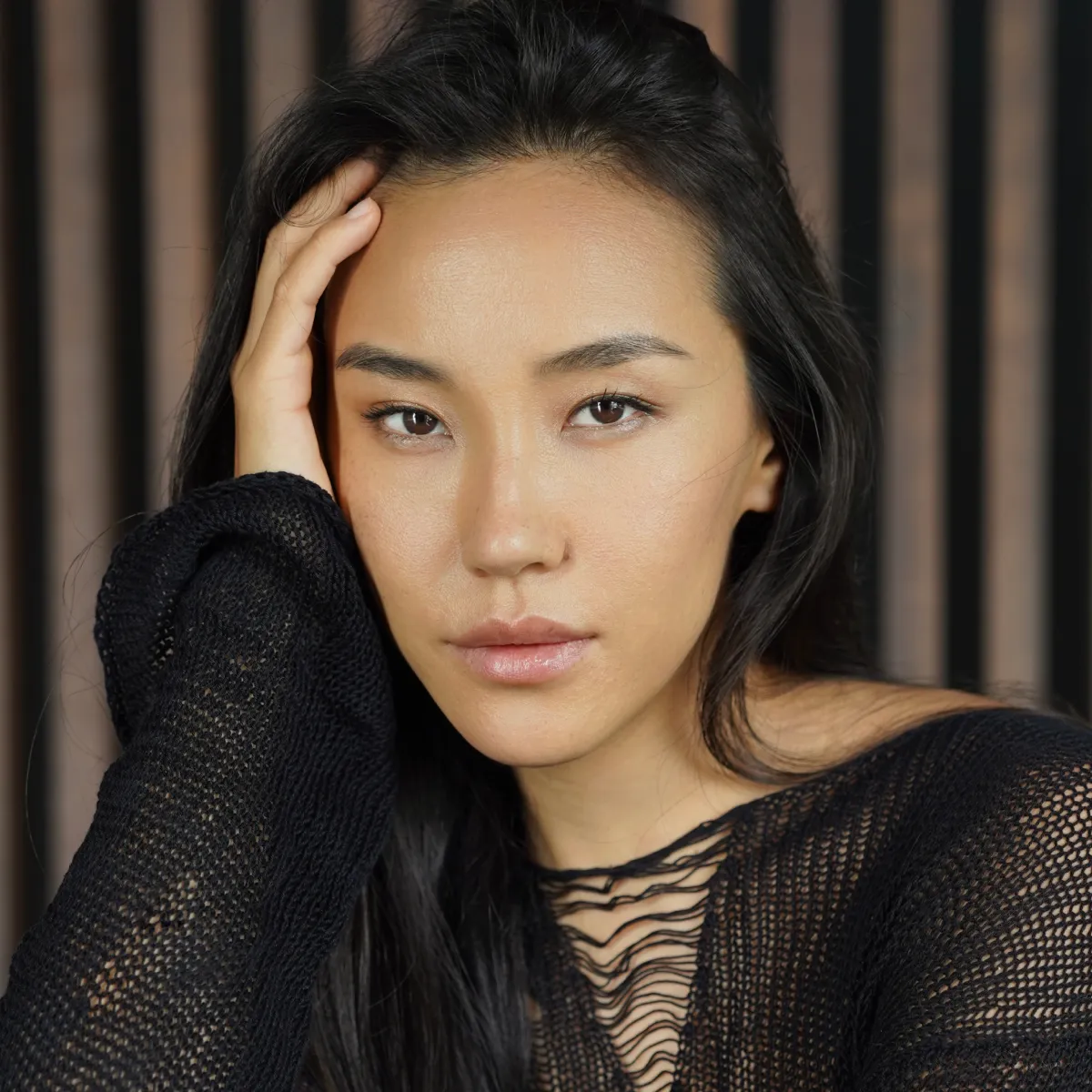
Portraits and beauty
Natural retouching for portrait and fashion photography
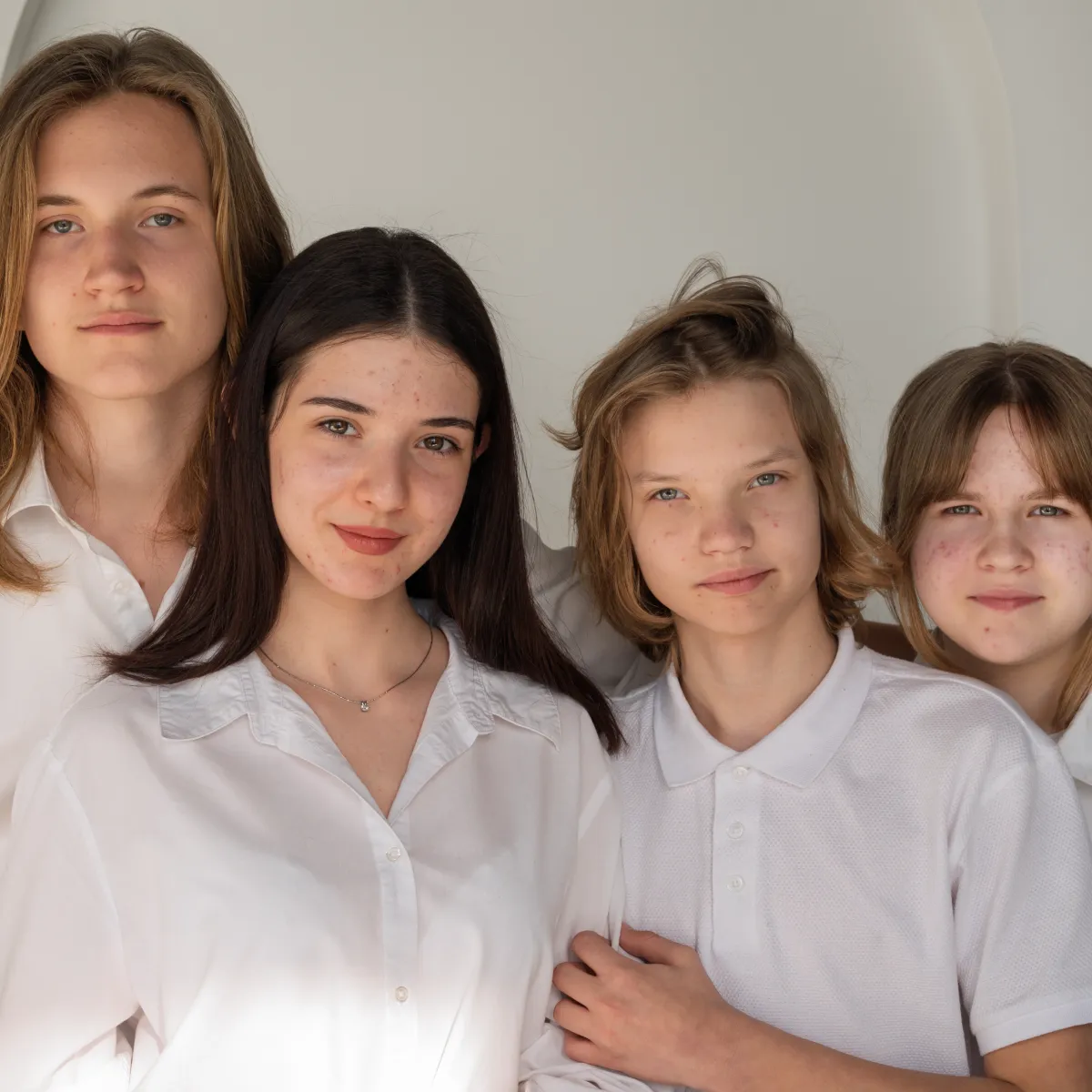
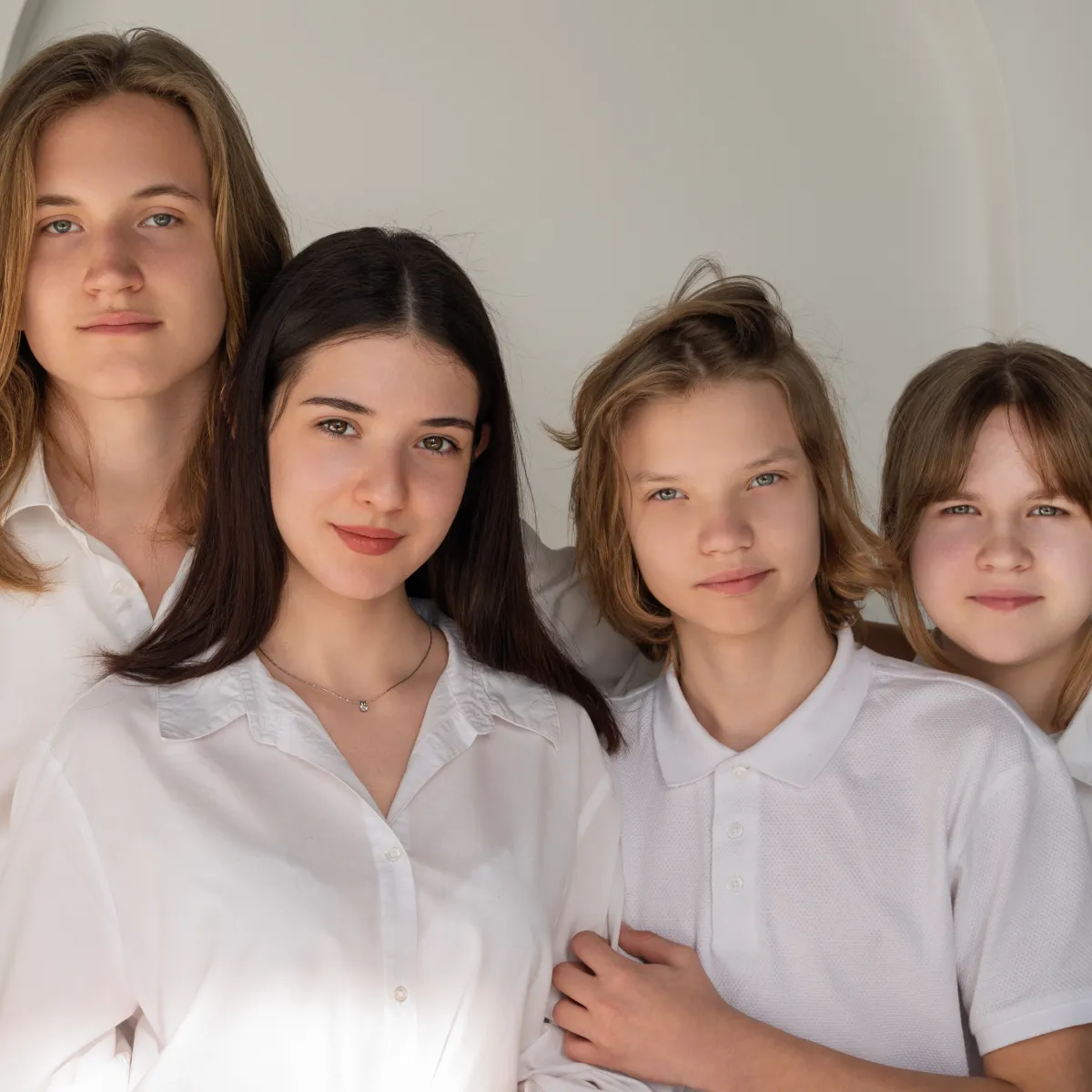
Schools and newborns
Fast and delicate retouching for children’s portraits
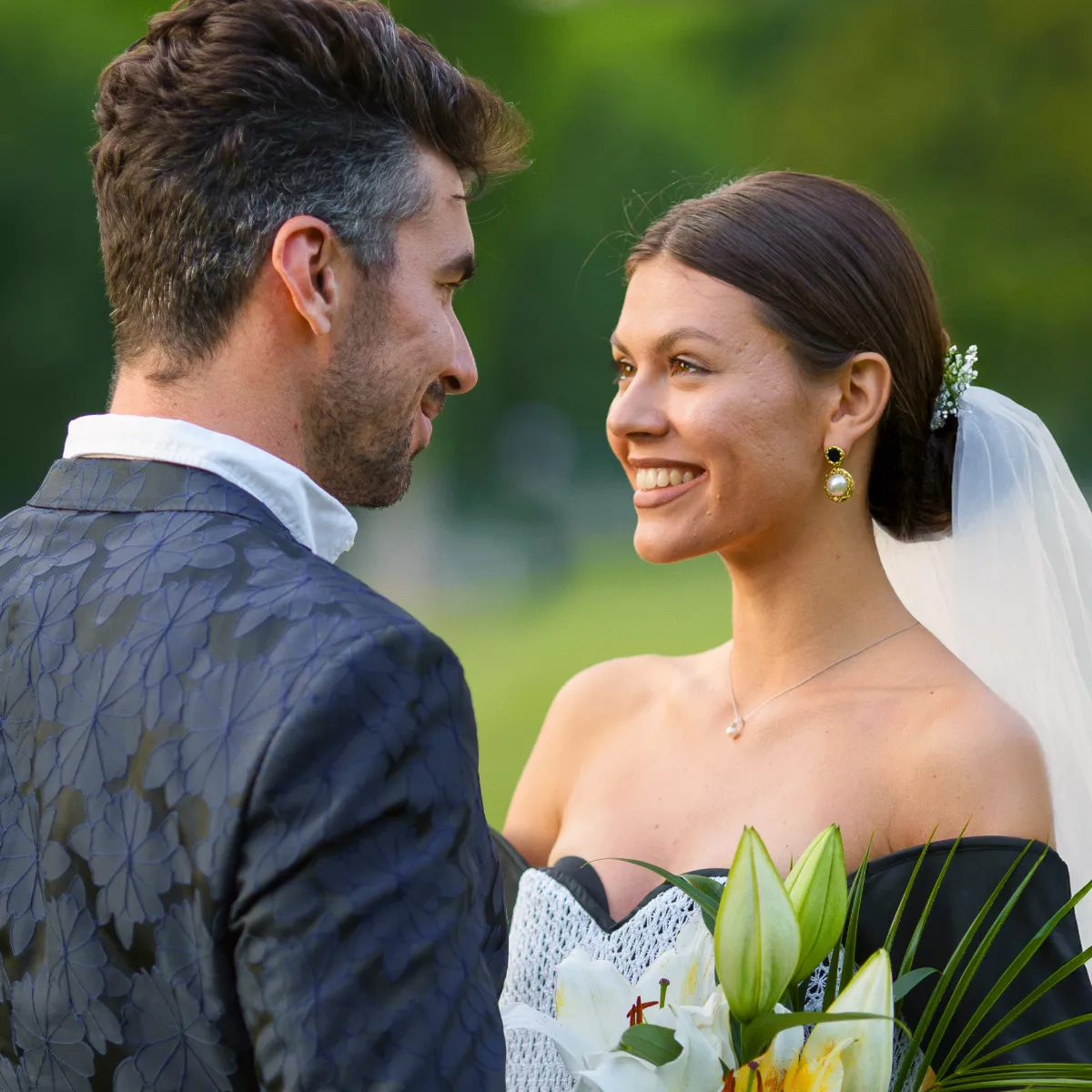
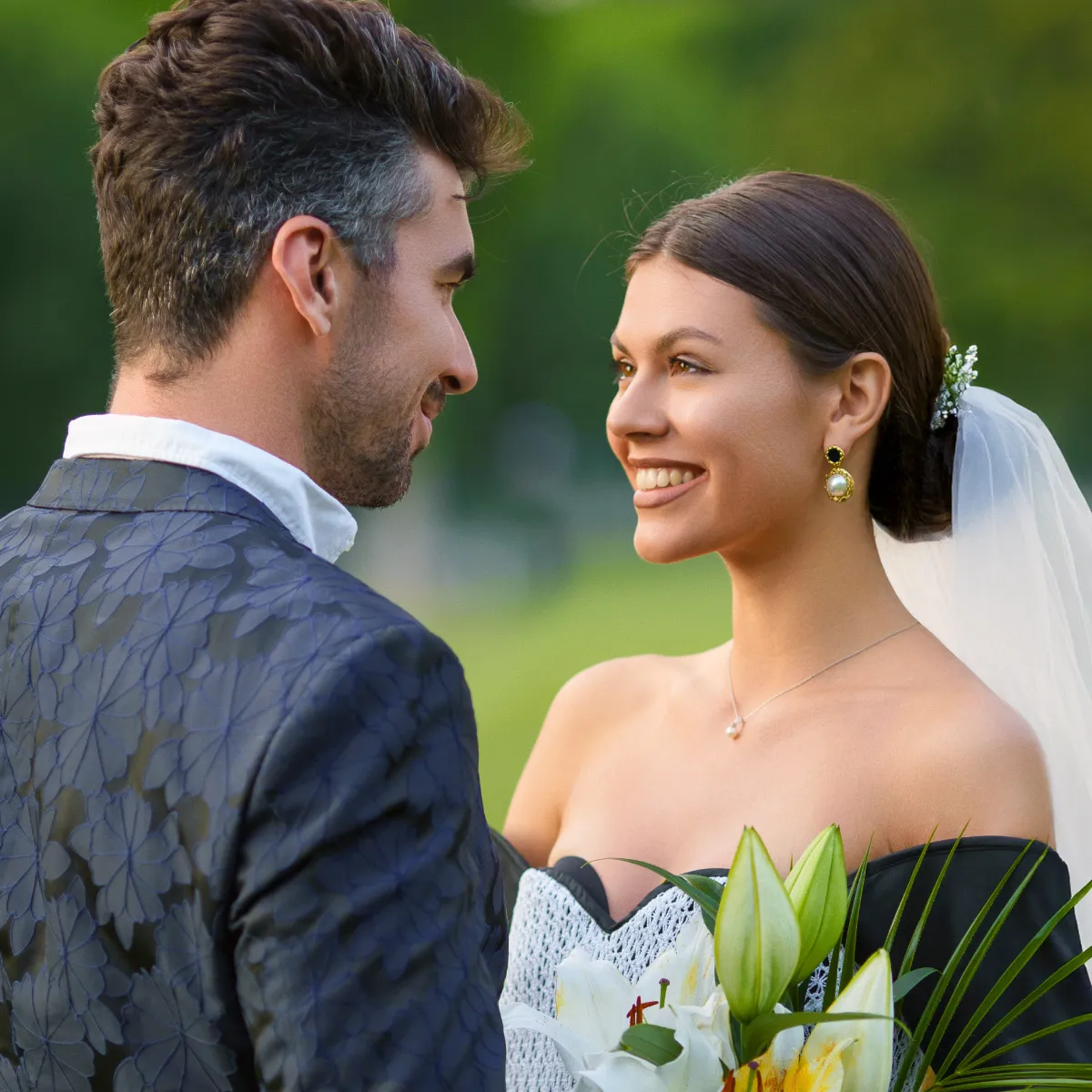
Weddings
Fast culling and processing of large volumes of wedding photos
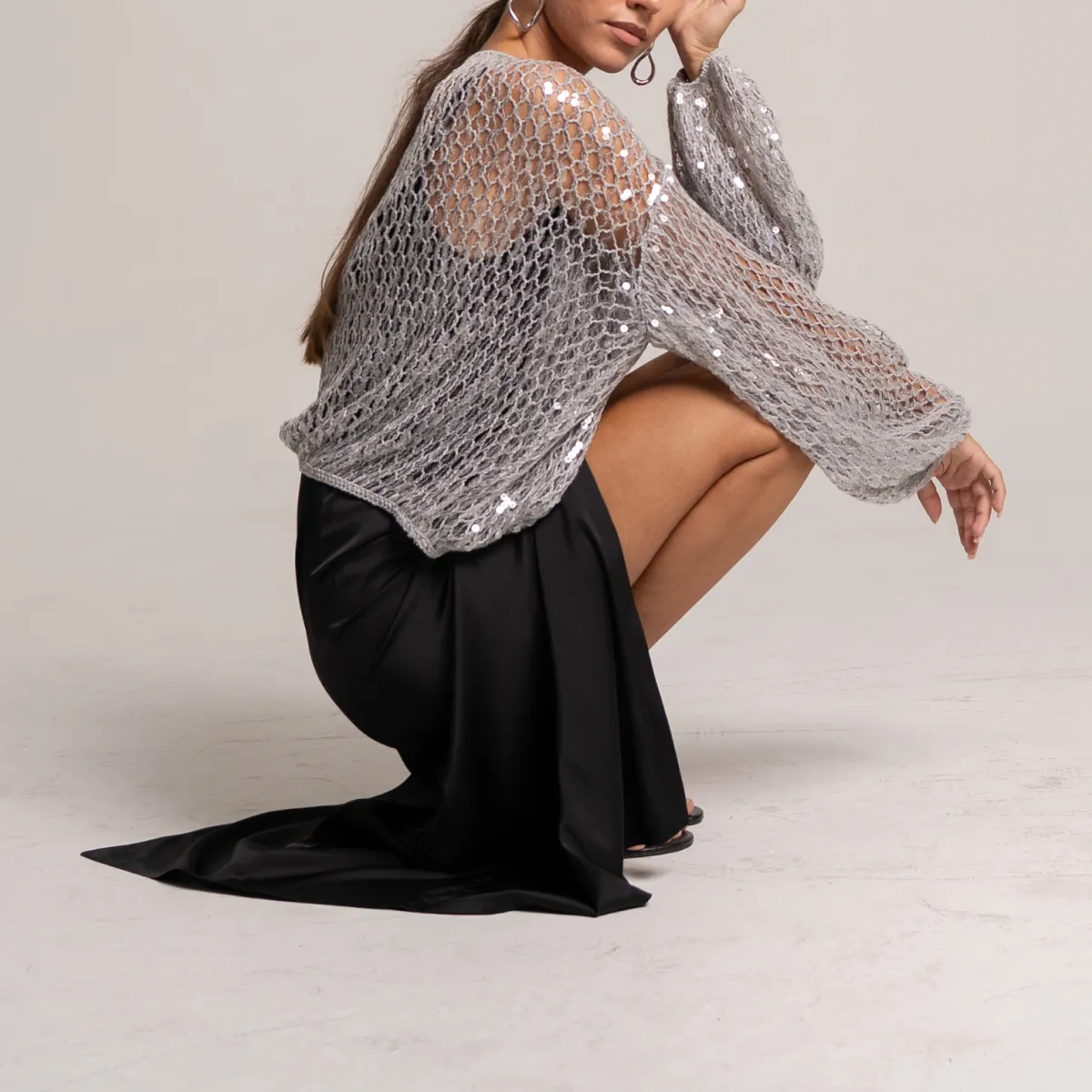
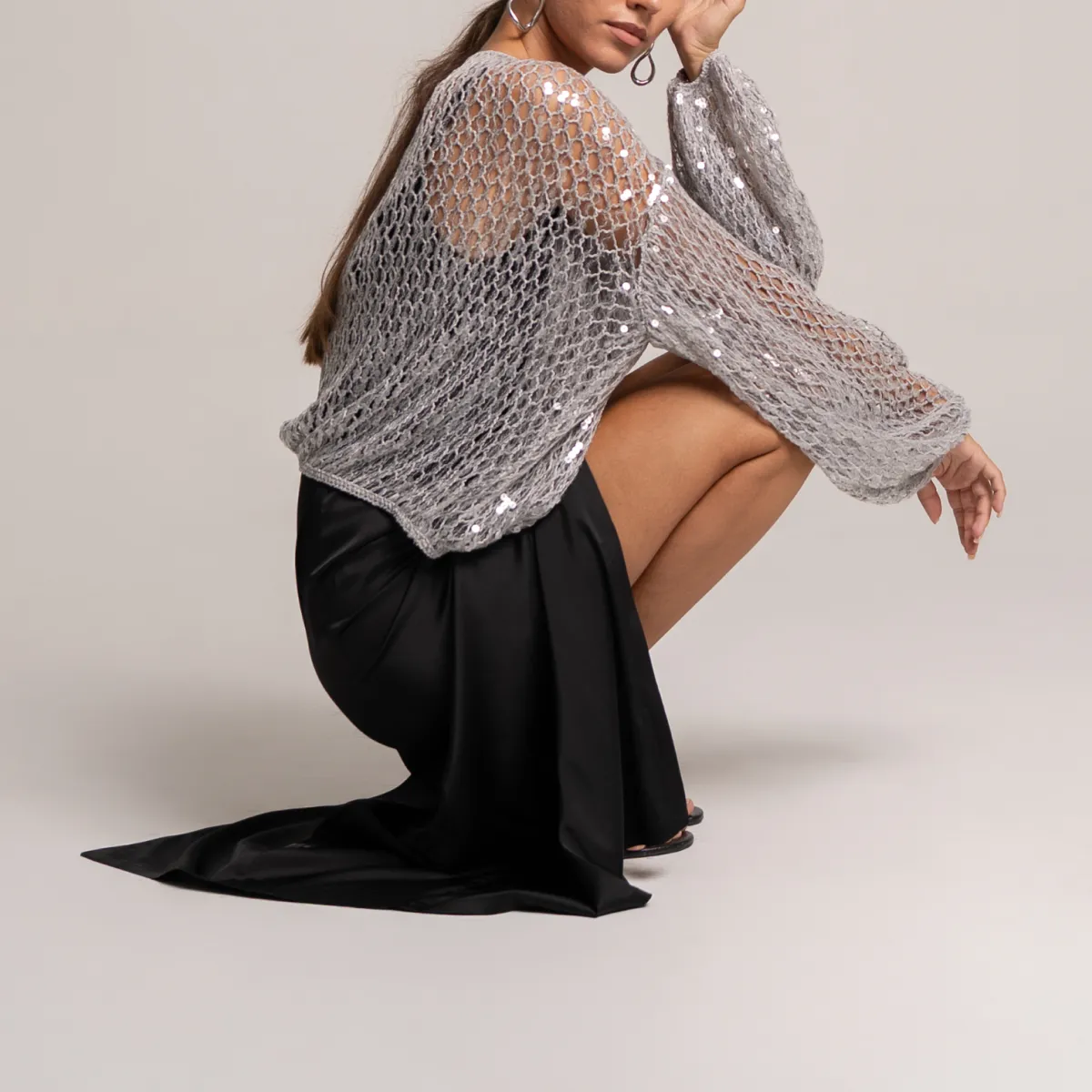
Events
Batch processing and background cleanup for event photography
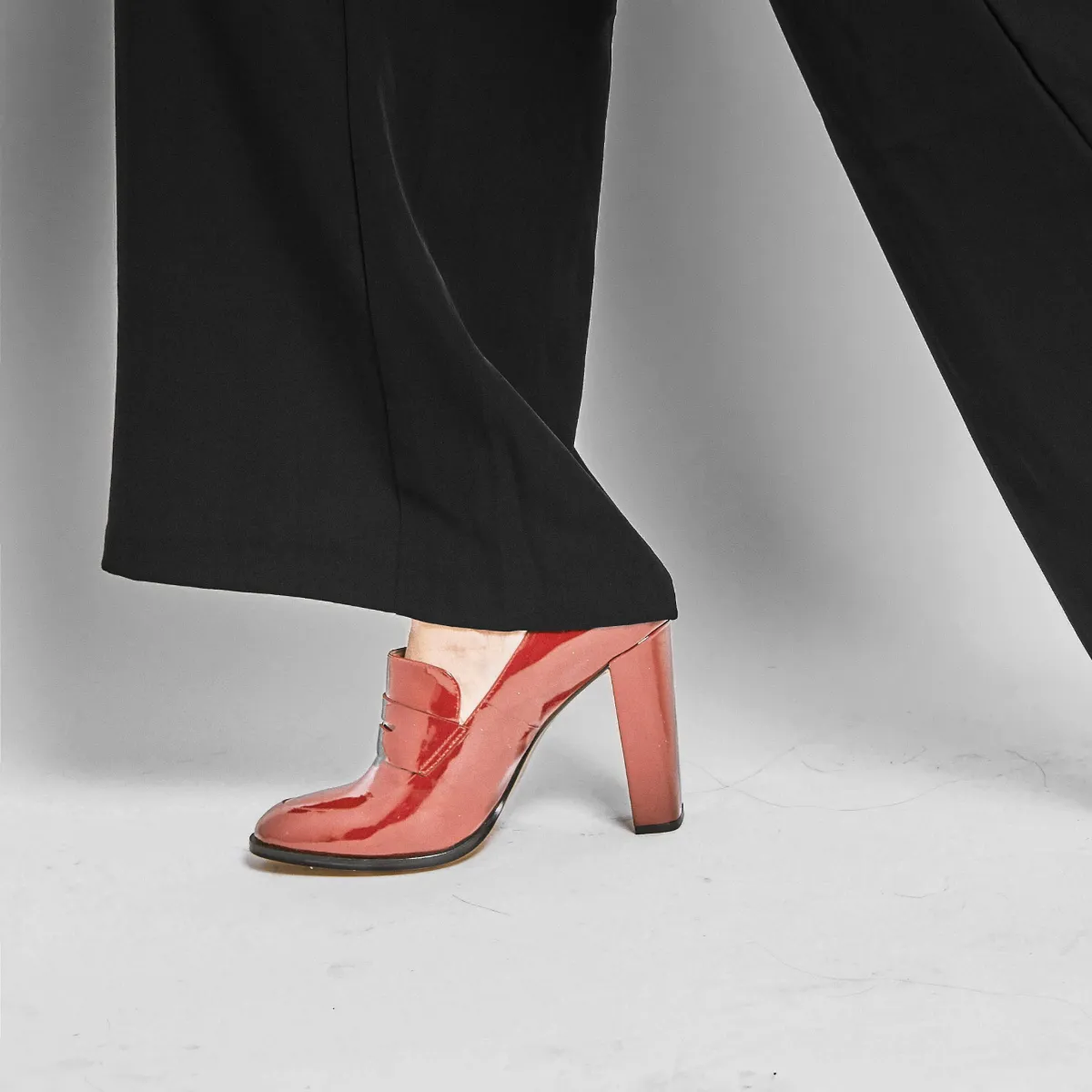
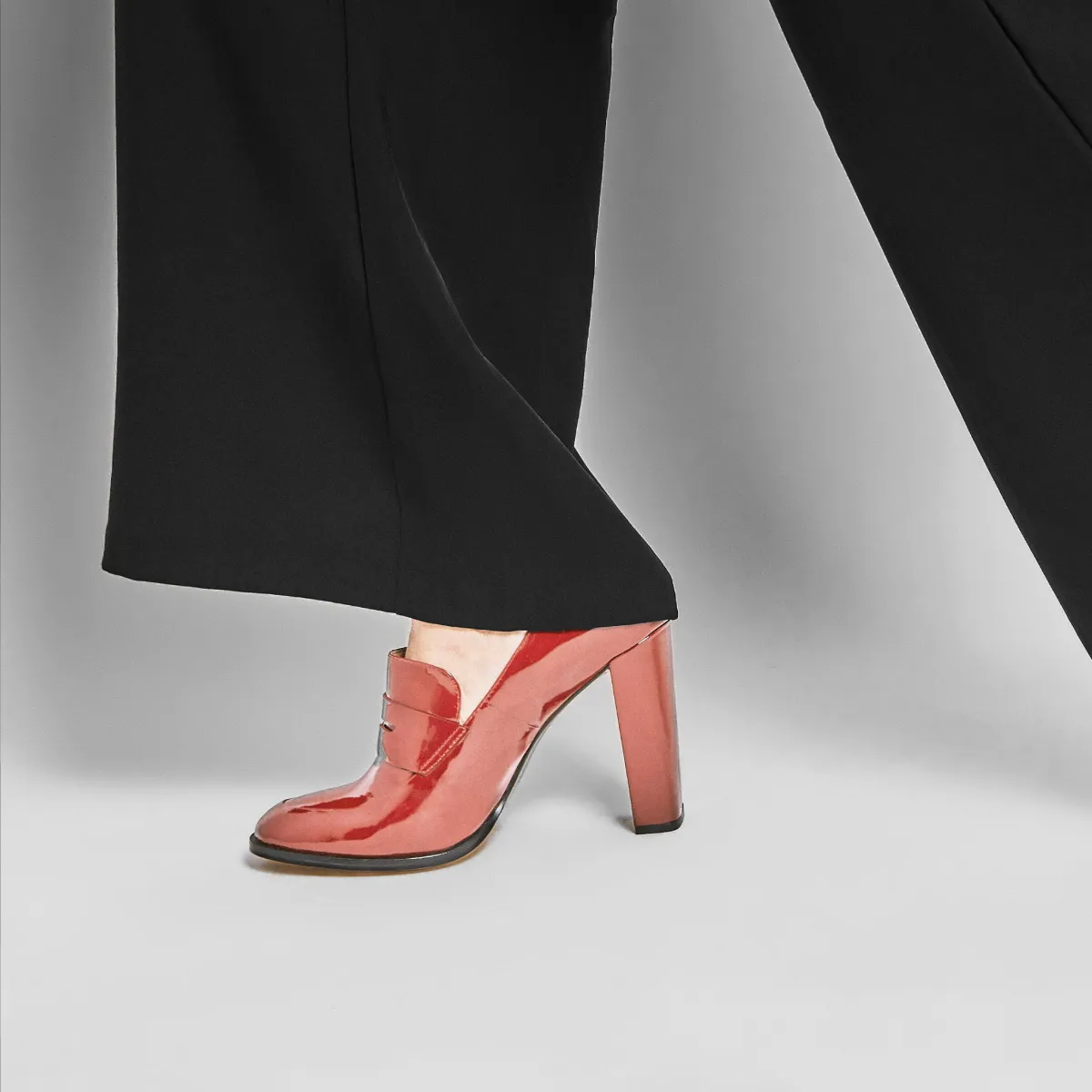
E-commerce
Catalog- and eCommerce-ready photos in minutes for your product
Portraits and beauty
Natural retouching for portrait and fashion photography
Schools and newborns
Fast and delicate retouching for children’s portraits
Weddings
Fast culling and processing of large volumes of wedding photos
Events
Batch processing and background cleanup for event photography
E-commerce
Catalog- and eCommerce-ready photos in minutes for your product
Portraits and beauty
Natural retouching for portrait and fashion photography
Schools and newborns
Fast and delicate retouching for children’s portraits
Weddings
Fast culling and processing of large volumes of wedding photos
Events
Batch processing and background cleanup for event photography
E-commerce
Catalog- and eCommerce-ready photos in minutes for your product
and see what AI retouching can do in seconds, or explore our examples below
Portraits & Beauty
Fixes skin defects
Smooth trouble skin
50Creates an ultra-white smile
50Removes blood vessels
50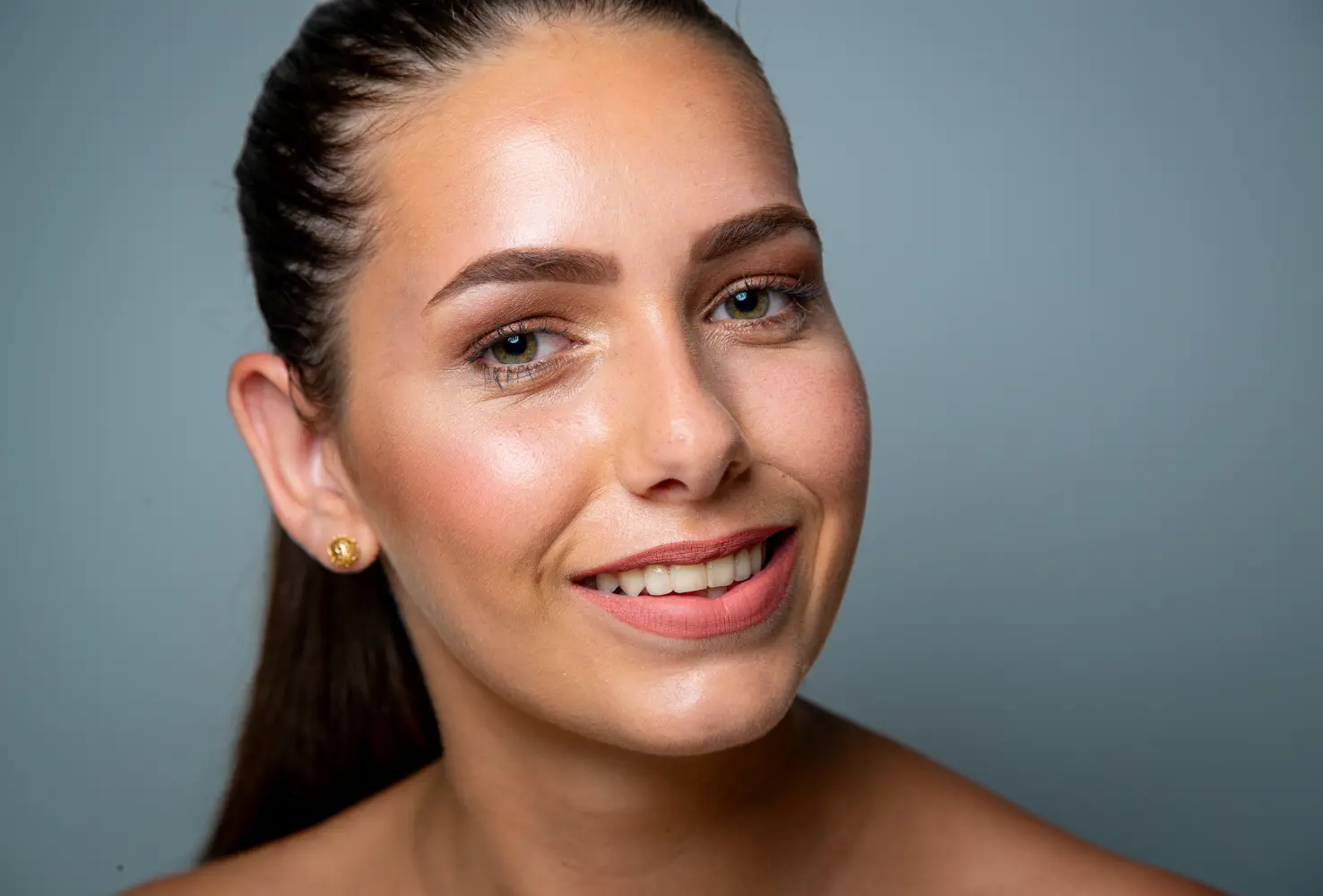
Retouching That Works Your Way


Work the way you’re used to. Our plugins fully integrate into Photoshop and preserve all layers, giving you complete control over the result and the ability to fine-tune every detail.
Retouch4me Panel for Photoshop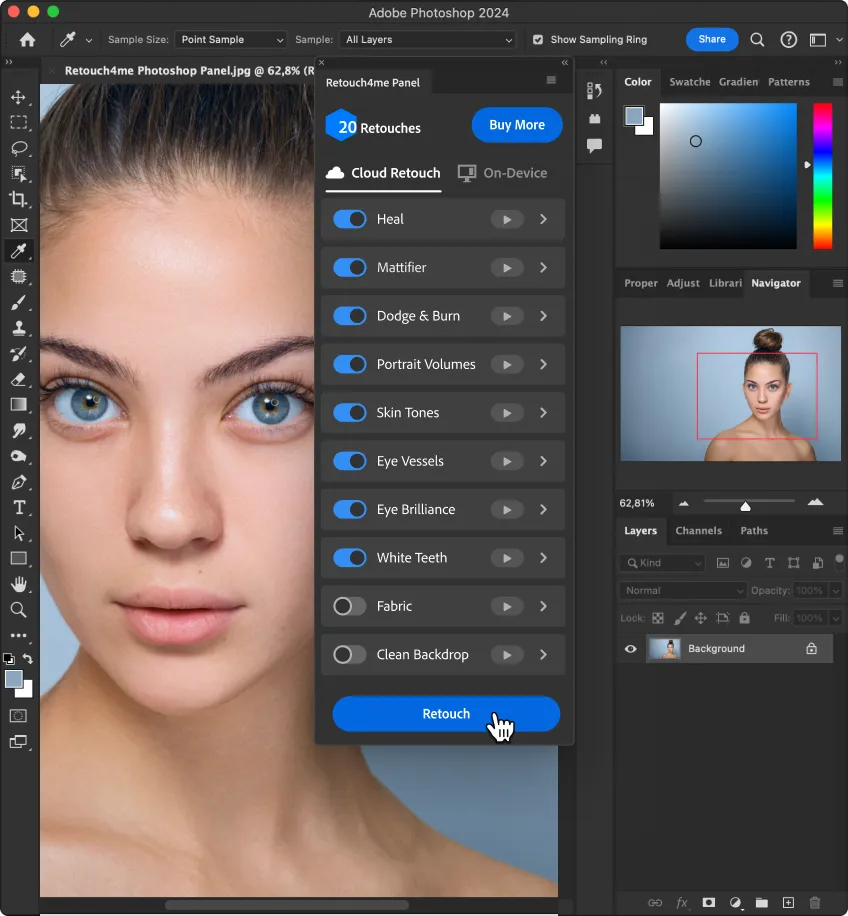


Achieve premium-quality results without the “plastic” look. AI carefully enhances your images while preserving natural skin details, giving your photos a professional finish.
Try Apex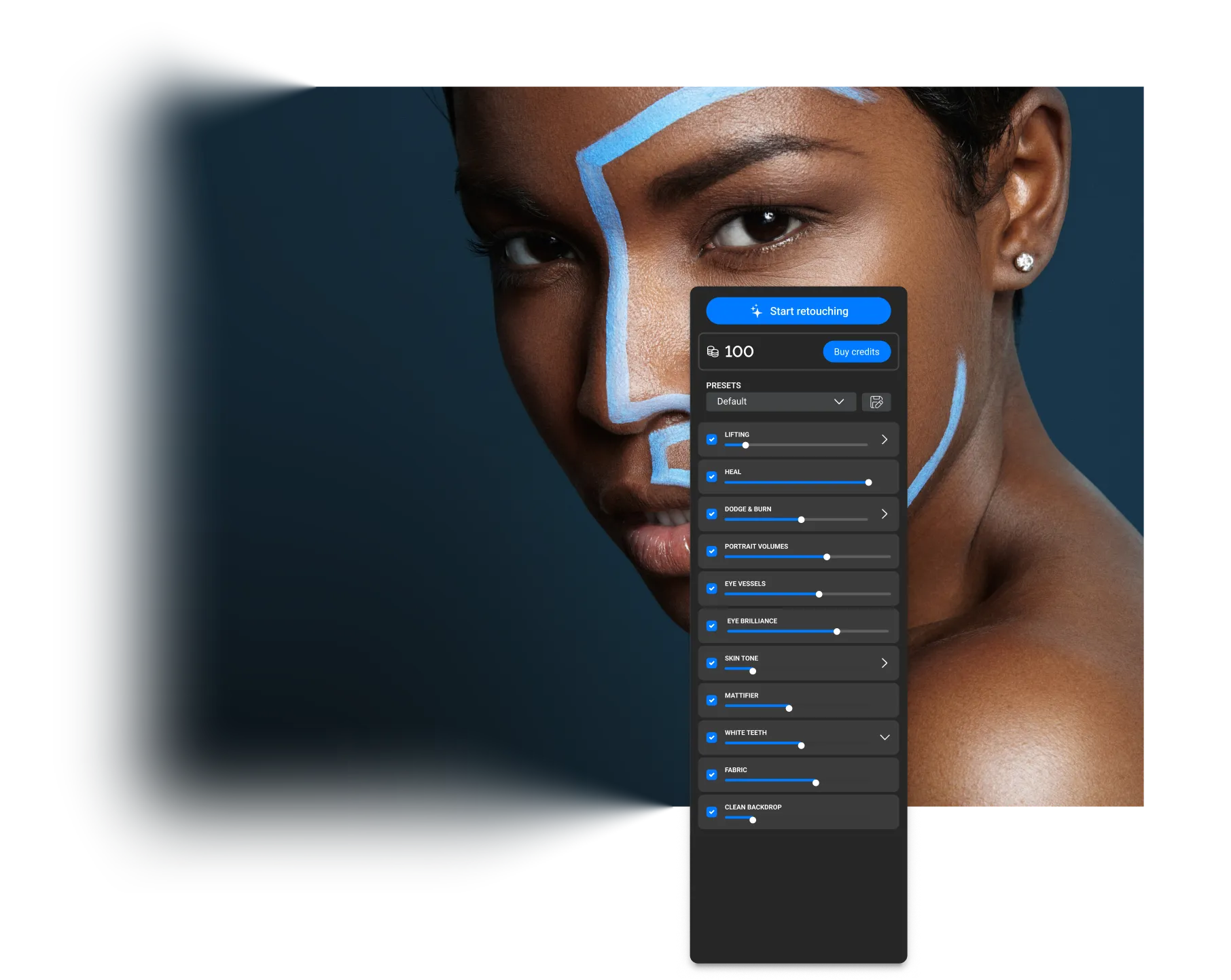


Arams: AI-powered photo workflow — analysis, smart culling, batch processing and retouching.
Try Arams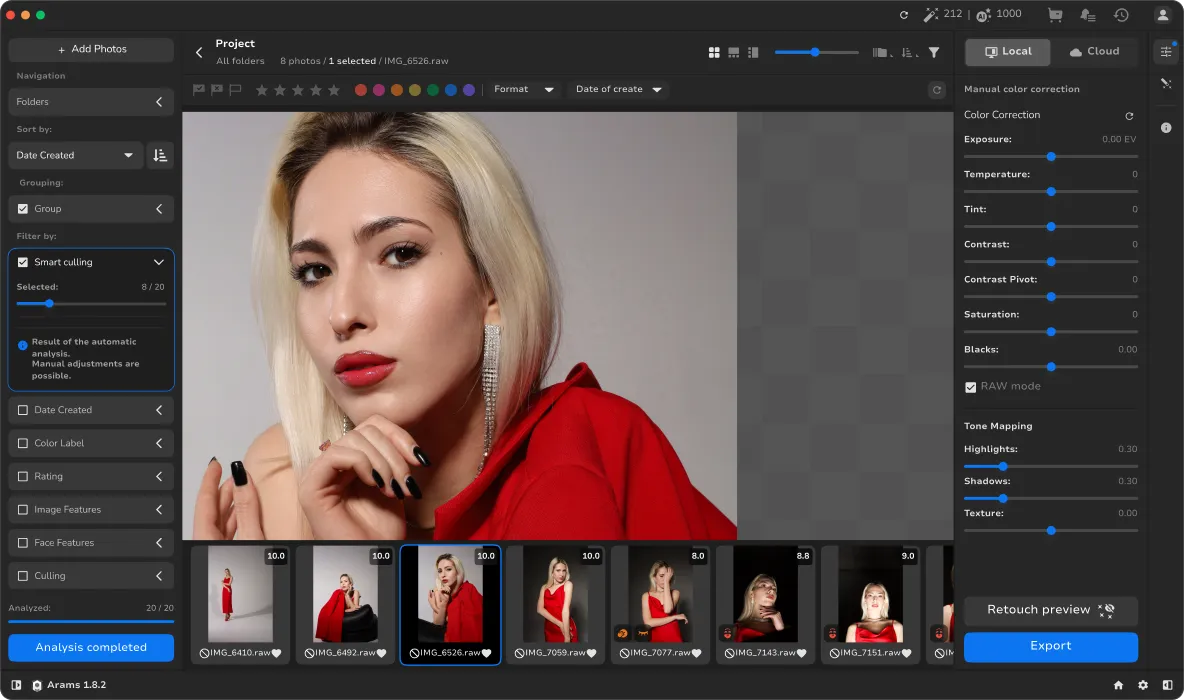
Simple Calculations



Retouch4me offers a range of products tailored for different tasks. Let us help you decide what fits best — and how to get started.
Find Your FitReviews



Our Partners
Unmesh Dinda
Founder of PiXimperfect, international Photoshop.
Marc Perino
Art director, photographer, and retoucher specializing in visual storytelling and film branding.
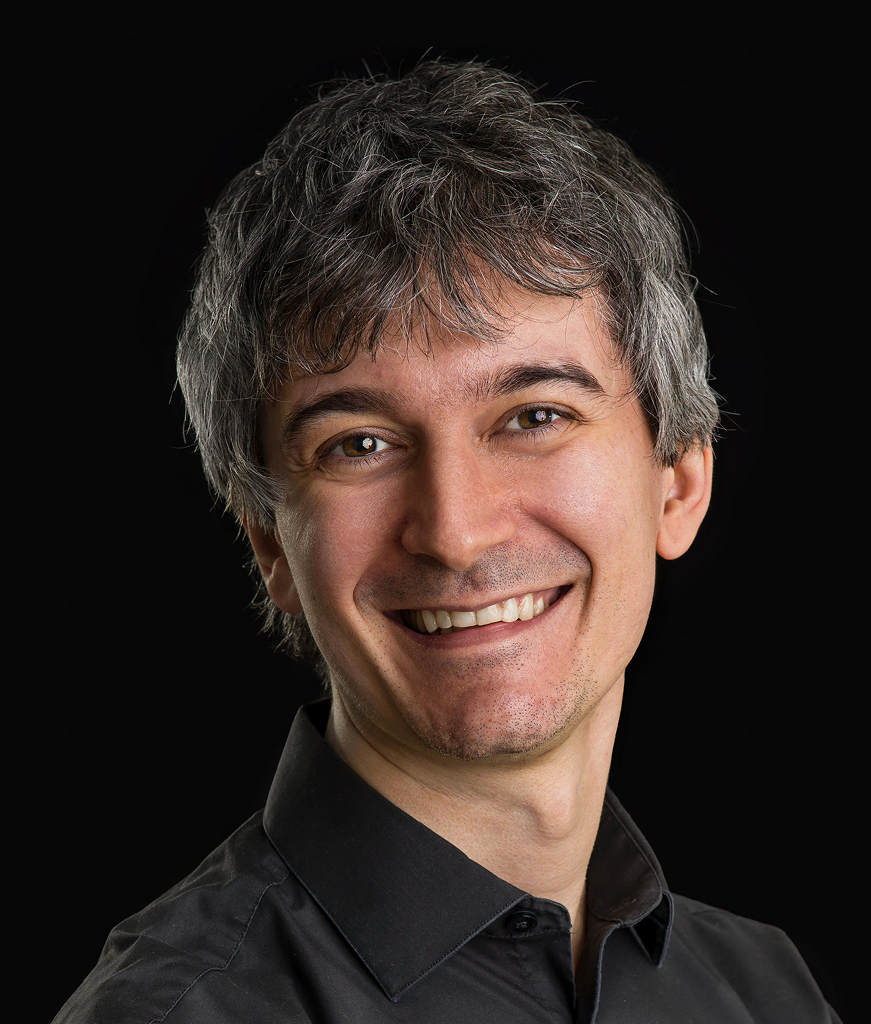
Stefano Tealdi
A professional photographer and educator focused on off-camera flash techniques.
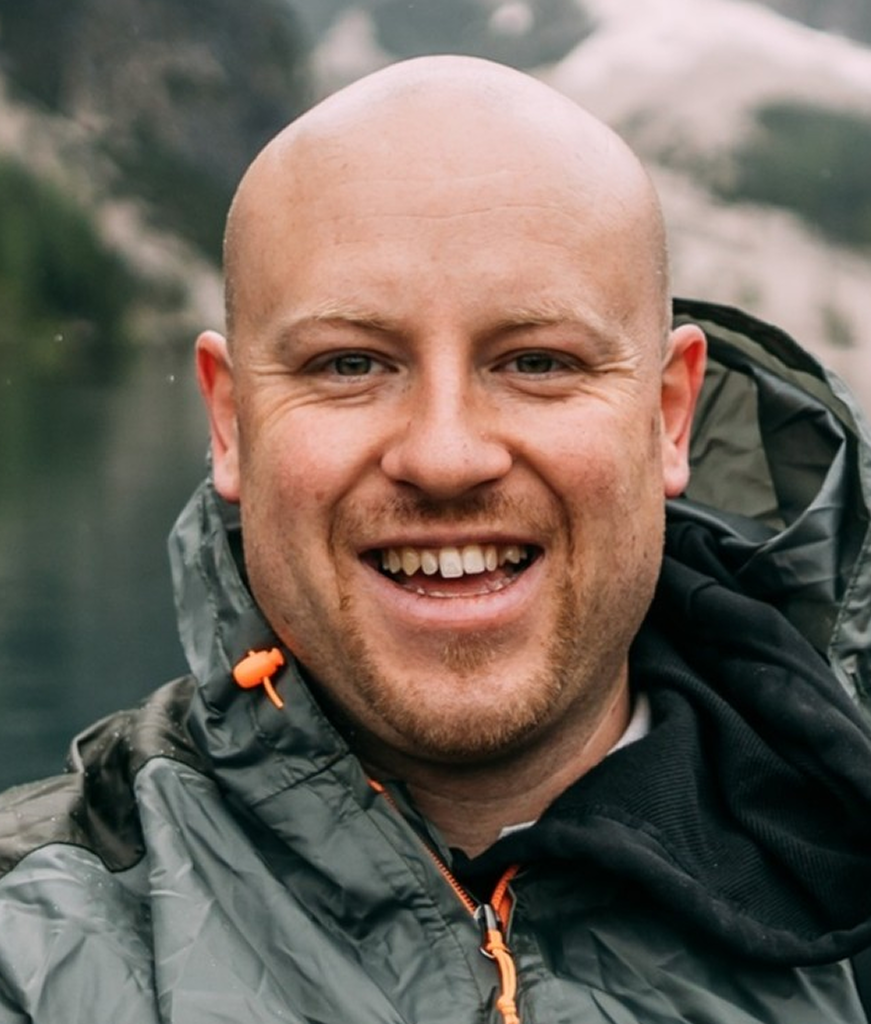
Mauro Licul
A filmmaker, director, and producer. Founder of MAUROS MEDIA PRODUCTION.
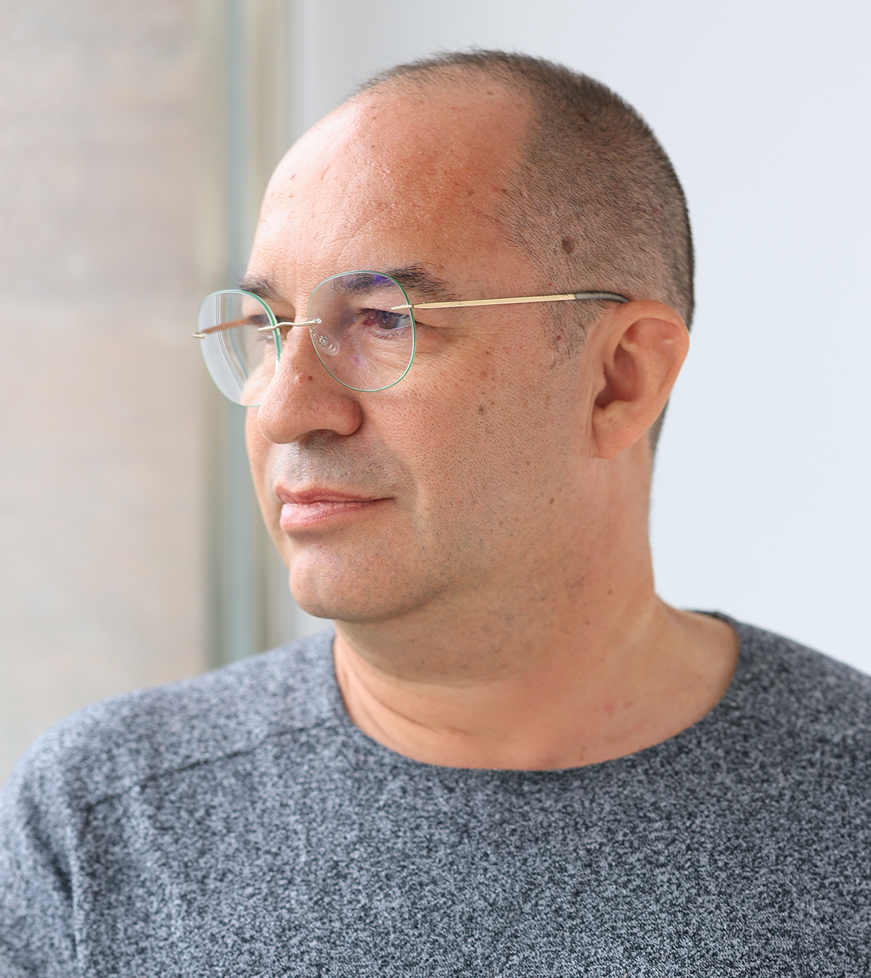
Álvaro González
A professional photographer and educator with extensive experience in stock, event, and commercial photography.
FAQ